

Cashless payments in Japan often start with a QR scan, then quickly run into a gap: plenty of online checkout pages still ask for a card number. PayPay Card helps bridge that gap by connecting card-style payments, app-based spending history, and rewards under one ecosystem.
PayPay’s scale matters here, since the company reported 72 million registered users by the end of 2025, and the wider PayPay platform keeps pushing new Visa-linked options into the app.
PayPay Card works best when daily spending needs both in-store QR convenience and broader Visa acceptance.
PayPay Card Basics That Matter For Everyday Spending
PayPay Card is built to sit inside the broader PayPay ecosystem, so daily use stays app-led rather than statement-led. Spending visibility tends to feel cleaner than cash, since transaction history, merchant names, and timestamps live in one place.
The biggest practical advantage comes from coverage. QR payments already handle a lot of Japan’s offline shopping, yet online merchants still lean on card rails.
A card product connected to the PayPay experience can reduce the need to juggle extra wallets, extra apps, or separate rewards programs.
PayPay Card Corporation was established in 2021, and its public messaging centers on integrating credit and payments into the PayPay platform.
That “one app” direction has shown up repeatedly in PayPay’s own announcements, including efforts to unify PayPay Balance, PayPay Card, and related services around Visa technology.
PayPay Balance Card vs PayPay Card: Choosing The Right Tool
Card naming gets confusing fast, especially when both products live inside the same app experience. Clarity comes from one question: should spending pull from prepaid funds, or should it run through a credit line that settles later.
The PayPay Balance Card is positioned as a fast, digital option tied to what’s already in the wallet, while PayPay Card functions as a traditional credit card product inside the PayPay ecosystem.
Decisions get easier once the funding source, approval friction, and where the card works are compared side by side.
| Feature | PayPay Balance Card | PayPay Card |
| Core funding | Deducts from PayPay Balance or points | Uses a credit line and monthly billing |
| Approval friction | No traditional credit check for the virtual card flow | Standard credit approval applies |
| Best fit | Tight budget control and fast access | Larger purchases and credit-style repayment |
| Where it works | Online services that accept Visa card payments | Card acceptance depends on the issued card terms |
| Fees | No annual fee stated for the virtual card offering | Fee terms vary by card type and promotions |
Setting Up PayPay So Card Features Actually Work
PayPay setup starts simple, yet card-linked features usually expect a more complete profile. A working phone number is the first gate; then, identity checks tend to unlock higher limits and more features over time.
Account funding in Japan typically follows several paths, including bank linking, deposits at supported locations, or card linking under certain conditions. App screens change, yet the underlying pattern stays consistent:
- charge the wallet,
- confirm identity when prompted, then
- Select the payment method per transaction.
A lot of daily friction disappears once identity status is complete. PayPay’s own announcements regularly tie broader access to verified status, especially for higher limits and certain advanced features. That same pattern shows up again when enabling card-like functions inside the wallet.
PayPay Card Application Steps That Keep Approval Smooth
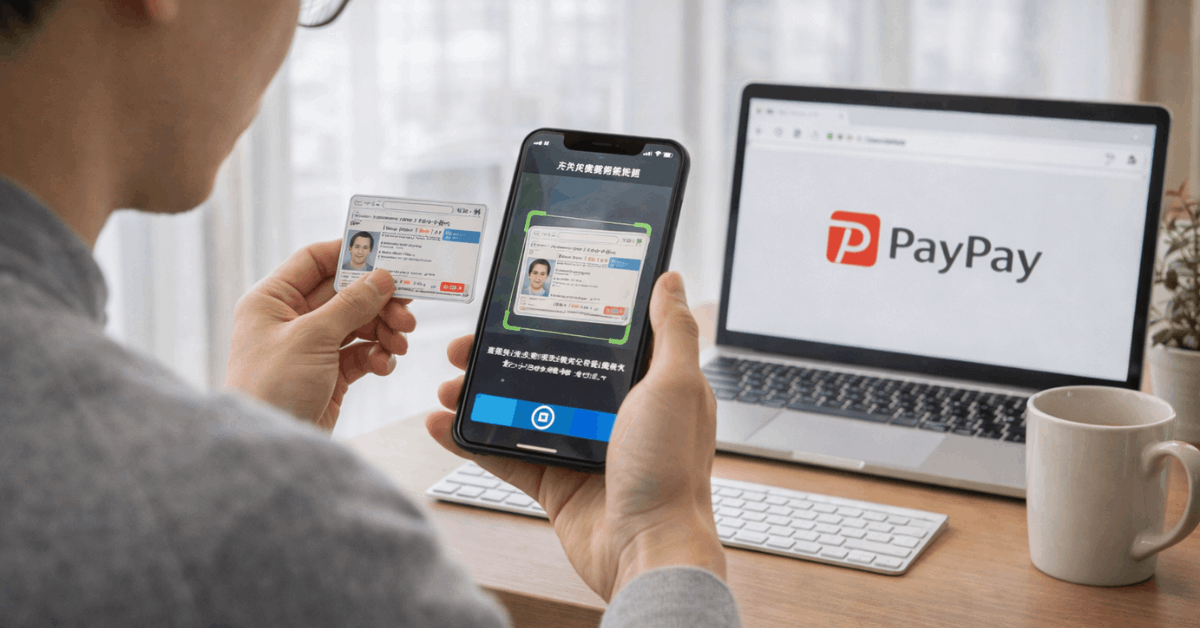
Speed depends more on preparation than on luck, since missing identity details can slow the flow. App-based onboarding works best when names, addresses, and ID images match cleanly across the profile.
Expect a short series of prompts inside the PayPay environment, then a handoff into the relevant card mini app or application screen. Clean inputs reduce back-and-forth, especially when the process relies on automated checks and identity matching.
- Open the PayPay app, then confirm the account profile details are complete and consistent.
- Finish eKYC identity verification if the app shows it as incomplete or pending.
- Select the card option inside the app, then follow the prompts to submit the required details.
- Review terms, confirm notification settings, and complete any final confirmation steps shown on screen.
- Check the card mini app or account page for issuance status and next actions.
Instant access can also come through a separate virtual option. Instant issuance for the wallet-tied card experience has been described as taking around 30 seconds once identity verification is already complete, which helps in situations where an online checkout needs a Visa number immediately.
Paying Online and In Stores Without Guesswork
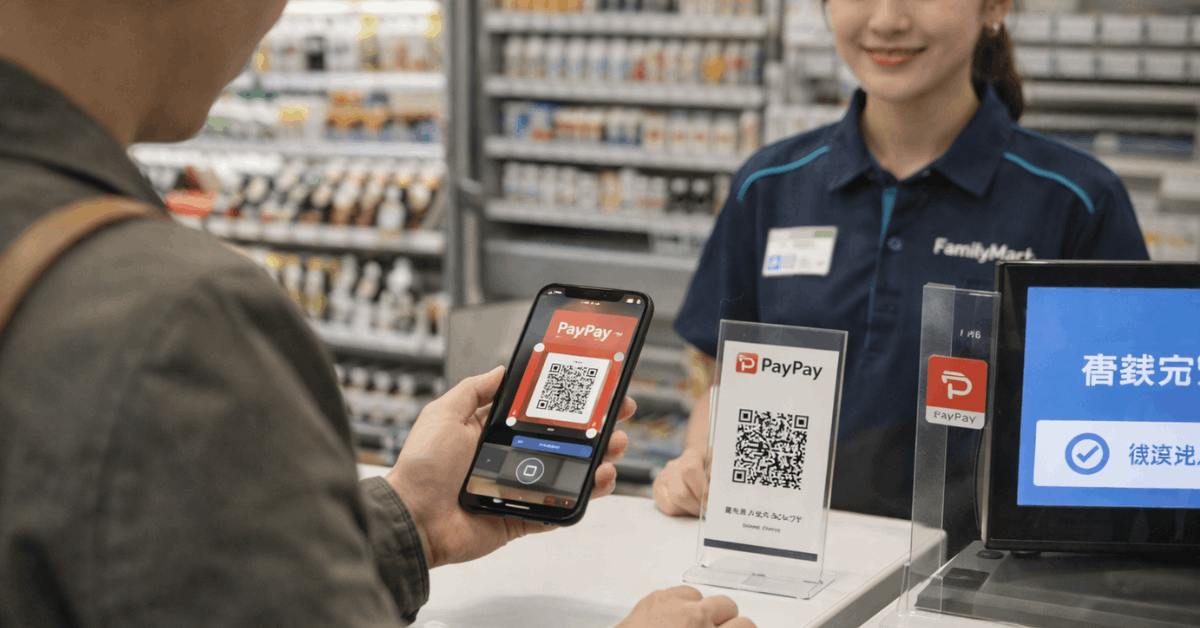
PayPay’s core in-store experience stays QR-led. Many merchants display a QR code to scan, while others scan the barcode shown inside the app. Either way, confirmation appears fast, and transaction history becomes searchable later when budgeting or refunds come up.
Online is the place where a card credential matters most. Some merchants accept PayPay QR, yet plenty still run standard card forms. A Visa-linked digital credential solves that mismatch, since it behaves like a card at checkout while still fitting inside PayPay’s balance and reward logic.
A simple rule helps with decision-making at checkout: QR for most physical stores, card details for many online purchases, then switch payment source based on budget needs. That split keeps spending predictable while still expanding where PayPay can be used.
Rewards and PayPay Step: Getting Value Without Chasing Gimmicks
Rewards stay central to PayPay’s popularity, and PayPay’s own materials describe flexible grant rates that can rise based on conditions and payment method. The most common program name is PayPay Step, which tracks eligible activity and can adjust the points rate.
Points are straightforward in value terms. PayPay has stated that PayPay Points are primarily earned through PayPay transactions, with each point equivalent to one yen.
That 1:1 framing helps when comparing a points balance against a small purchase, a bill, or a partial repayment on certain PayPay-linked statements.
Reward strategy stays simple when tied to real spending. Daily purchases, routine bills, and predictable online shopping usually create steadier points than one-off promotion chasing.
Promotions still matter, yet long-term value usually comes from consistent behavior and a clear payment method choice.
Security, Limits, and Spending Control That Feel Practical
Security features start with access control. Device locks, biometric login, and transaction notifications reduce risk when a phone is lost or shared. Account-freeze tools also matter, since a wallet app can act like a payment instrument even before a physical card arrives.
Spending control depends on which card path gets used. A balance-linked option acts like a prepaid tool, so overspending is naturally capped by what’s loaded. That can feel safer for newcomers or anyone building a strict monthly plan.
Credit-style products require tighter habits. Payment dates, repayment methods, and statement review become part of the routine.
PayPay’s official guidance also mentions the ability to use certain wallet balances or points toward repayment through the PayPay environment, which can help reduce a month’s bill when points have built up.
Using PayPay as a Foreigner Or Visitor
Daily usability depends on local setup requirements, so expectations need to match reality. A Japanese phone number is commonly required for full registration flows, and identity verification is usually tied to Japan-issued documents and address consistency.
Residents tend to get the smoothest experience once a bank account or stable funding method is linked, even though basic wallet usage can start earlier.
Tourist use can be limited. Some visitors manage partial access, yet full functionality often depends on local phone and verification steps.
Travelers who already have PayPay working before leaving Japan sometimes see additional options, since PayPay has described overseas payment modes that require a verified status.
Last Thoughts
PayPay Card makes the most sense when spending in Japan moves between QR payments, online checkout pages, and app-based money management.
Strong value comes from choosing the right setup, since balance-linked tools suit tighter control while credit-based options fit larger purchases and broader repayment flexibility.
Rewards, spending visibility, and Visa-linked access all become more useful when the account is fully verified, and the payment source is chosen deliberately.
For residents especially, the real advantage is simple: one ecosystem that can cover daily purchases, online payments, and routine budgeting without forcing separate tools for each step.
Disclaimer
This site provides general information on credit cards and payment products, not financial, legal, or tax advice; always verify rates, fees, and terms with the issuing bank before applying.